- On sale!
- Reduced price
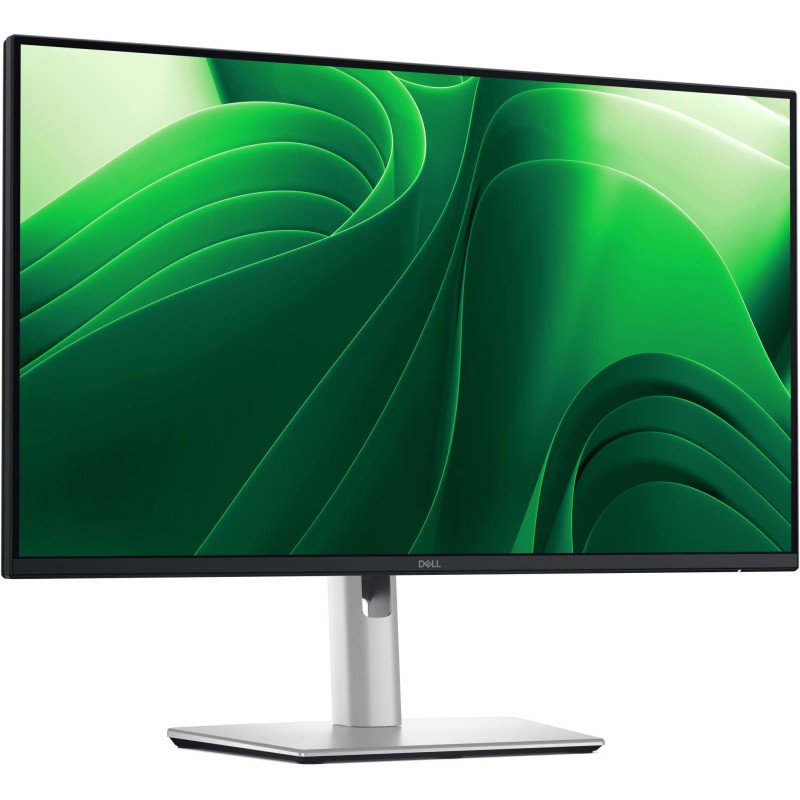

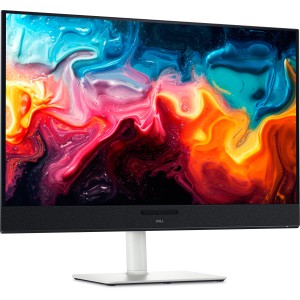
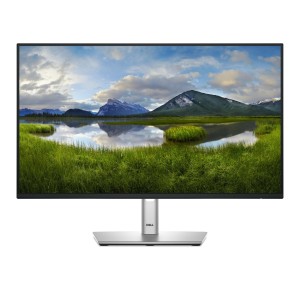
Certified by TÜV Rheinland® for 4-star eye comfort, this 23.8-inch QHD monitor offers enhanced productivity with visual comfort.
Enhanced eye comfort
TÜV 4-Star certified monitor for eye comfort reduces eye fatigue while you work.
Improved ComfortView Plus
Reduced harmful blue light emissions to ≤35%, for all-day comfort without sacrificing colour.
Refresh Rate
100Hz refresh rate delivers less flicker, more seamless scrolling and smoother motion.
Vivid Colours
Wide colour coverage with up to 16.7 M displayable colours of 99% sRGB.
Clarity from any angle
With high resolution, consistent colours across wide angles, and improved contrast ratio, your work has never looked this good.
QHD resolution
2560 x 1440 resolution makes every detail stand out.
Colour consistency
Vibrant colours across wide viewing angles enabled by In-Plane Switching (IPS) technology.
1500:1 contrast ratio
For deeper blacks and brighter whites.
Configure your workspace
A wide variety of ports ensure you can connect all your accessories and create the perfect work setup to maximise your productivity.
Quick access ports
Experience the convenience of front-facing, pop-out USB-C (with up to 15W charging) and USB Type-A ports for easy connectivity. When you are done, just pop the ports back in for a clean look.
Dell Display and Peripheral Manager
Experience Dell’s singular, innovative application to optimise the performance of your entire Dell PC workspace.
Maximise productivity
Easy Arrange tiles apps across screens with pre-set partitions and customises up to five windows, enhancing multitasking. Easy Arrange Memory saves and restores app profiles manually, on schedule, or at start-up.
Customise your views
Work comfortably, day or night. Automate your brightness and contrast settings to match your schedule.
More manageable
Save time and boost IT efficiency with the Dell Device Management Console to manage your Dell peripheral fleet at scale, from a single cloud-based console. Discover expanded Command Line Interface features from Dell Display and Peripheral Manager.
Environmentally-forward thinking
Material innovation
Your monitor has been thoughtfully crafted with a selection of sustainable materials including up to 85% post-consumer plastic and closed-loop ITE-derived plastic, 100% recycled aluminium, 50% recycled steel and at least 20% recycled glass that make up to 31% recycled content by weight. Using recycled materials helps conserve natural resources and contributes to a lower environmental footprint.
Environmental standards
This monitor is registered EPEAT Gold with Climate+, certified ENERGY STAR® and carries the latest TCO certified designation. With the new certification, this monitor is assured to be built using renewable energy while meeting high safety standards.
Seamlessly modernise your tech
We can help you responsibly and securely retire your legacy IT equipment, regardless of brand, while addressing your sustainability goals.
Packaging with purpose
This monitor ships in a box made from 100% renewable materials. We are reducing plastic waste wherever possible and transitioning to a responsible fiber-based solution.
Actual configuration might differ from illustration
Product Carbon Footprint (PCF):
1. Dell generally uses the PAIA (Product Attribute to Impact Algorithm)(http://msl.mit.edu/projects/paia/main.html) tool for product carbon footprint calculations.
2. Docking station related PCFs are extracted from corresponding LCAs and as such do not follow the PAIA methodology used for calculating other PCFs in this report.
3. PAIA method is developed by the Massachusetts Institute of Technology’s Materials Systems Laboratory and partners.
4. All estimates of carbon footprint are uncertain. Dell Technologies reports the 5th and 95th percentile of the carbon footprint estimate to reflect this uncertainty wherever possible. (https://www.dell.com/en-us/dt/corporate/social-impact/advancing-sustainability/climate-action/product-carbon-footprints.htm#tab0=0)
5. Please note the emission estimate in this report is calculated using the mean value along with the standard deviation for that product model.
6. Use of default inputs (i.e. not primary data) and assumptions on location of use and other fields can introduce a standard deviation which must be taken into account while completing the calculations.
7. Please note, PAIA uses the ecoinvent Database (https://ecoinvent.org/the-ecoinvent-database/)whenever primary data is not made available for calculations.
8. For client and commercial end user computing products, minimum configurations were assumed for calculations. For Server and Storage products, typical configurations or ENERGY STAR (https://www.energystar.gov/products) configurations were used for calculations.
9. Use Phase emissions were calculated based on the location of use as "Europe" i.e. the Use Phase emissions are not specific to a single country / location.
10. The report does provide an option for a total emissions number for manufacturing, transport and end of life while leaving the use phase emissions out, in case the customer uses their own calculation methodology for use phase emissions.
11. The lifetime usage assumption at the product family level is as follows: Desktop, Notebook - 4 years, Display - 5 years and Servers - 4 years.
12. For detailed assumptions please refer to the product datasheets in the Dell Technologies reports (https://www.dell.com/en-us/dt/corporate/social-impact/advancing-sustainability/climate-action/product-carbon-footprints.htm#tab0=0).
13. The results from the PAIA tool are liable to change over time as the methodology is improved and datasets are updated. The PAIA version used to calculate emissions has been indicated with each record in the report.
14. Metrics used: The units for global warming potential are in kgCO2-equivalent or MT (metric ton) CO2-equivalent (CO2e).
15. Beginning in June 2024, the data dashboard now incorporates PCF values computed using the Dell PCF calculator. It’s important to note that the default location utilized for these calculations shown on the data dashboard is Europe. To access PCF values calculated for the USA and China locales, please refer to the Product PCF PDF document on Dell.com.
Data sheet
Specific References
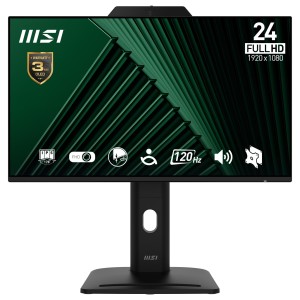
Reference: PRO MP242PMG
Brand: MSI
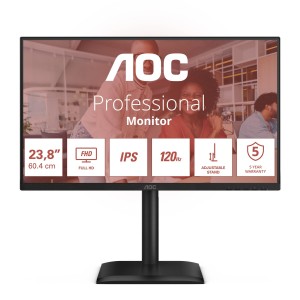
Reference: 24E4U
Brand: AOC
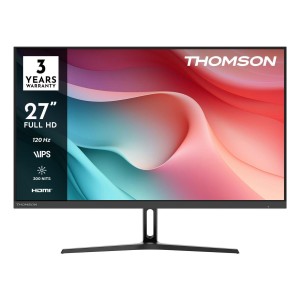
Reference: M27FB2Y15
Brand: THOMSON
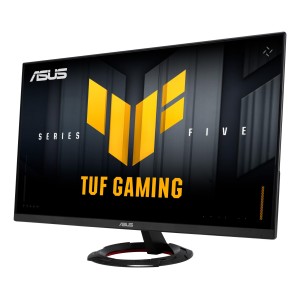
Reference: 90LM0BT0-B01E71
Brand: ASUS
Reference: 210-BMJF
Brand: DELL
Reference: 29U511A-B
Brand: LG
Reference: MPG 272URX QD-OLED
Brand: MSI
Reference: 32U631A-B
Brand: LG
Reference: 210-BRVT
Brand: DELL
Reference: MAG 274F
Brand: MSI
Reference: DHI-LM27-C201P
Brand: DAHUA
Reference: 210-BMJB
Brand: DELL
Reference: M24FB2Y14
Brand: THOMSON
Reference: 34G600A-B
Brand: LG
Reference: LC34G55TWWPXEN
Brand: SAMSUNG
check_circle
check_circle