Explore the
New Era of WiFi
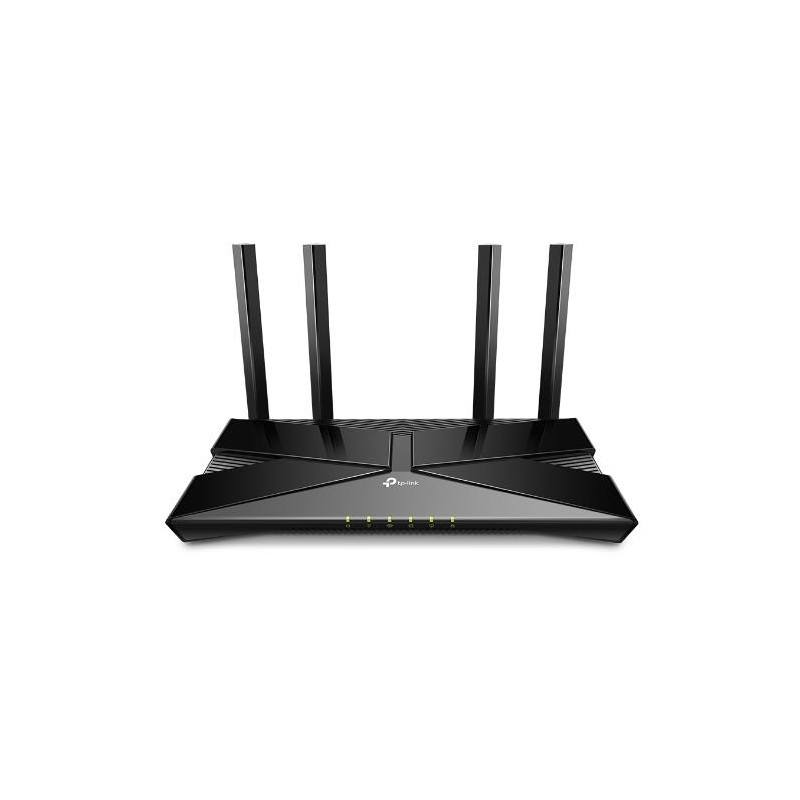
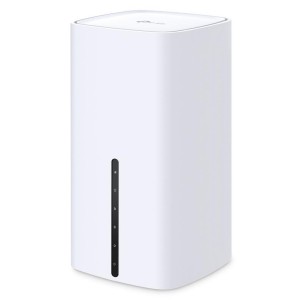
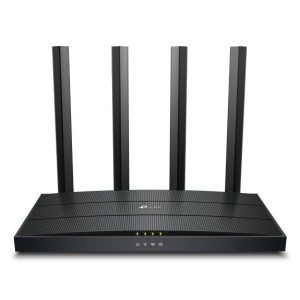
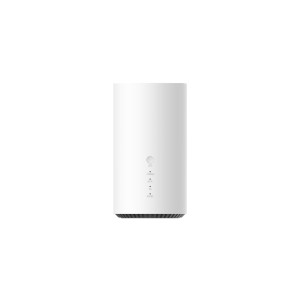
AX1800 Dual-Band Wi-Fi 6 Router
WiFi 6 Upgrades Everything
The latest generation of WiFi technology brings faster speeds, less lag, and higher capacity, enabling more simultaneous connections on your home network.
Super-Fast WiFi 6
Transfer HD movies in 10 seconds. WiFi 6's 1024-QAM improves encoding efficiency by 25% while the improved symbol rate boosts data rate by 11%. Enjoy broader bandwidth while streaming content on multiple devices.
Connect More, Stay Fast
Enjoy smooth gaming, video streaming, and live feeds simultaneously. OFDMA strengthens your WiFi by allowing multiple clients to share one band at the same time, cutting latency and jitter.
WiFi Coverage Throughout
Your Home
4× high-performance external antennas boost WiFi signals throughout your home. Beamforming technology detects devices and concentrates wireless signal strength towards them, especially for those in previously hard-to-reach areas.
TP-Link OneMesh™
Flexibly Create Whole Home WiFi
Want to build a whole-home WiFi? Archer AX23 supports OneMesh to form seamless coverage throughout your home, preventing drops and lag when moving between signals.
WPA3—The Next Level of Cybersecurity
The latest WiFi security protocol, WPA3, brings new capabilities to improve cybersecurity in personal networks. More secure encryption in WiFi password safety and enhanced protection against brute-force attacks combine to safeguard your home WiFi.
Universal ISP Support
Europe has the most diverse connection types, and TP-Link knows this. Archer AX23 works with all European ISPs by supporting most authentication methods, including the popular L2TP and PPTP methods in your region.
Easy Setup and Use
Whether you prefer the intuitive Tether app or TP-Link’s powerful web interface, you can set up your Archer AX23 in minutes.
The Tether app allows you to manage network settings from any Android or iOS device.
Protect Your Children
Block inappropriate content for your children, and customize a time range for better online habits.
New Connection Notification
You will be notified by your phone when new devices connect. Kick off any suspicious connections and block them. It’s as simple as that.
Easy Firmware Upgrade
Tired of upgrading firmware? OTA updates enable easy firmware upgrades with a click in the management panel. To keep your security and functions always up-to-date, just turn on the auto schedule.
- The Next Level of Cybersecurity
- Connect More, Stay Fast
- Super-Fast WiFi
- Easy Setup and Use