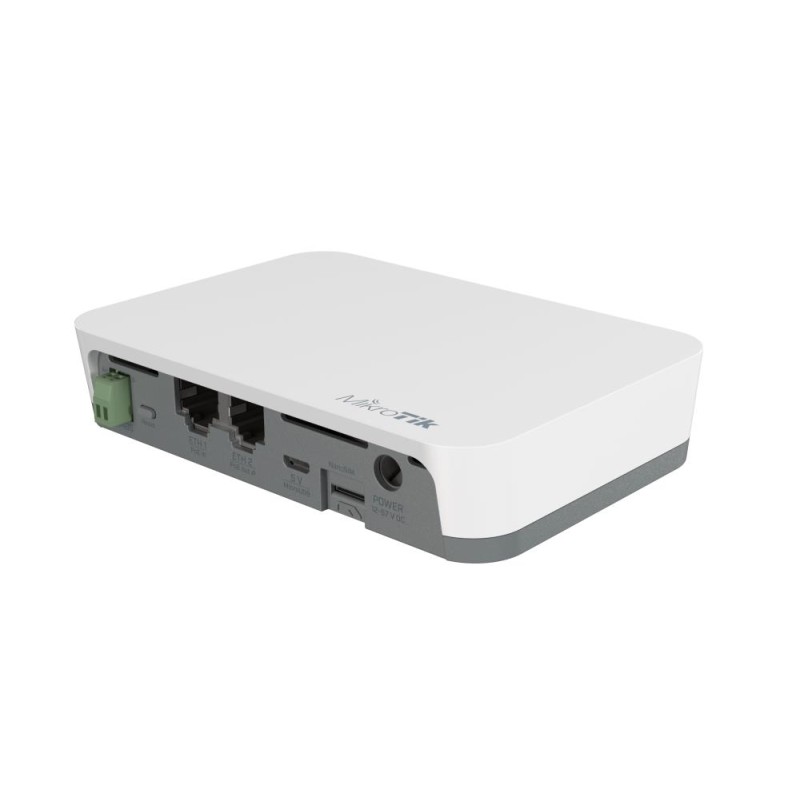
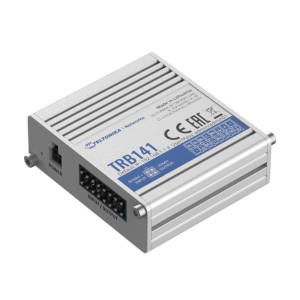
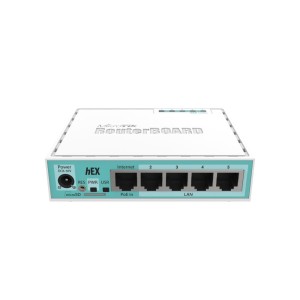
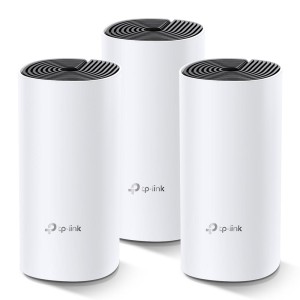
KNOT // RB924i-2nD-BT5&BG77 | Network Device Type Gateway | Memory (RAM) 16MB | Power supply requirements PoE-IN, DC jack, MicroUSB | Power consumption 5 Watts | Operating temperature range -40°C to 70°C | Dimensions 122 x 87 x 26 mm
KNOT
IoT Gateway for the most versatile and cost-effective setups
The newest addition to the MikroTik IoT product family – KNOT – is a truly universal device with exceptional connectivity options and protocol support. It is an IoT Gateway that uses Narrow Band and CAT-M technology. Because of the low cost, low bandwidth cellular connection, it is supported by countless mobile operators around the globe.
KNOT can monitor onboard GPIOs, convert Modbus protocol to TCP, and even forward Bluetooth packets to TCP/IP network via HTTPS and MQTT.
You can use the KNOT as a TCP bridge from wired Modbus sensors to send readings to a Modbus server. Yes, the KNOT brings wireless connectivity to wired sensors, such as electricity meters and relays.
It could be used as a backup connection for the Ethernet or as a management channel for your network. NB/CAT-M monthly plan is much cheaper than LTE. Why spend extra money on bandwidth you don’t need? For example, you can manage a KNOT-powered vending machine with temperature and liquid sensors with only a few megabytes per day!
KNOT features so many protocol support and connectivity options:
2.4 GHz wireless, Bluetooth, 2x 100 Mbps Ethernet ports with PoE-in and PoE-out, Micro-USB. Maximum convenience at the lowest cost!
hAP ax³ | Wireless Router | Data transmission speed 1800 Mbps | Antenna Type Omni-Directional | Number of antennas 2 | Included Accessories power adapter, fastening set, HGO indoor antenna kit, Case base | Power supply requirements DC 12-28 V / PoE 18-28 V | Colour Black | Dimensions 251 x 130 x 39 mm
MAX18 | Router | Available bandwidth 1000 Mbps | Mesh | Antenna Type Built-in | Number of antennas 4 | Wireless Frequency Range 2.4/5 GHz | Included Accessories MAX18 (1-pack)1×Device1×Power adapter1×Twisted pair cable1×User manual1×Laws and regulations manual | Power supply requirements 12 VDC | Colour Black | Dimensions 94 × 94 × 72 mm
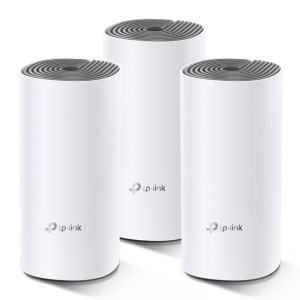
Wireless Router | 3-pack | Available bandwidth 1167 Mbps | Mesh | Antenna Type Built-in | Number of antennas 2 | Wireless Frequency Range 2.4/5 GHz | Included Accessories 3 Power Adapters; 1 RJ45 Ethernet Cable | Dimensions 190.5 x 90.7 x 90.7 mm
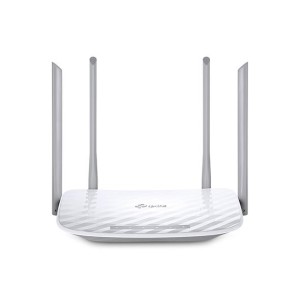
Wireless Router | Available bandwidth 1200 Mbps | Wireless Frequency Range 2.4GHz and 5GHz | Included Accessories Power Adapter,RJ45 Ethernet Cable,Quick Installation Guide | Power supply requirements 9VDC/0.85A | Dimensions 230 x 144 x 35mm
Wireless Router | Available bandwidth 300 Mbps | Antenna Type Omni-Directional | Number of antennas 2 | Wireless Frequency Range 2.4 - 2.4835GHz | Wireless Transmit Power 20 dBm | Power supply requirements 5VDC/0.6A | Dimensions 114 x 94 x 26 mm
Wireless Router | Available bandwidth 733 Mbps | Number of antennas 5 | Wireless Frequency Range 2.4GHz and 5GHz | 4G | Included Accessories RJ45 Ethernet Cable,Power Adapter,Quick Installation Guide,Micro to Standard SIM Card Adapter,Nano to Standard SIM Card Adapter | Power supply requirements 12V/1A | Colour Black | Dimensions 202 x 141 x 33.6 mm
Wireless Access Point / Router | 2-pack | Available bandwidth 9300 Mbps | Mesh | Number of antennas 4 | Wireless Frequency Range 6 GHz; 5 GHz; 2.4 GHz | Colour White | Dimensions 107.5 × 107.5 × 176 mm
Network Device Type Gateway | Memory (RAM) 128MB | Flash memory capacity 512MB | Power consumption 5 Watts | Operating temperature range -40 °C to 75 °C | Dimensions 60 х 70 х 18 mm
Wireless Router | Available bandwidth 1200 Mbps | Wireless Frequency Range 2.4 GHz and 5 GHz | Included Accessories Power Adapter;RJ45 Ethernet Cable;Quick Installation Guide | Dimensions 229×160×37 mm
Wireless Router | 3-pack | Available bandwidth 1200 Mbps | Mesh | Wireless Frequency Range 2.4 GHz - 5 GHz | Included Accessories 3 x Deco M4R Units; 1 x RJ45 Ethernet Cable; 3 x Power Adapters; 1 x Quick Installation Guide | Colour White | Dimensions 90.7 × 90.7 × 190 mm
KNOT // RB924i-2nD-BT5&BG77 | Network Device Type Gateway | Memory (RAM) 16MB | Power supply requirements PoE-IN, DC jack, MicroUSB | Power consumption 5 Watts | Operating temperature range -40°C to 70°C | Dimensions 122 x 87 x 26 mm